Revolutionary piano learning with LED visualization, authentic Tabla rhythms, and professional voice recording capabilities.
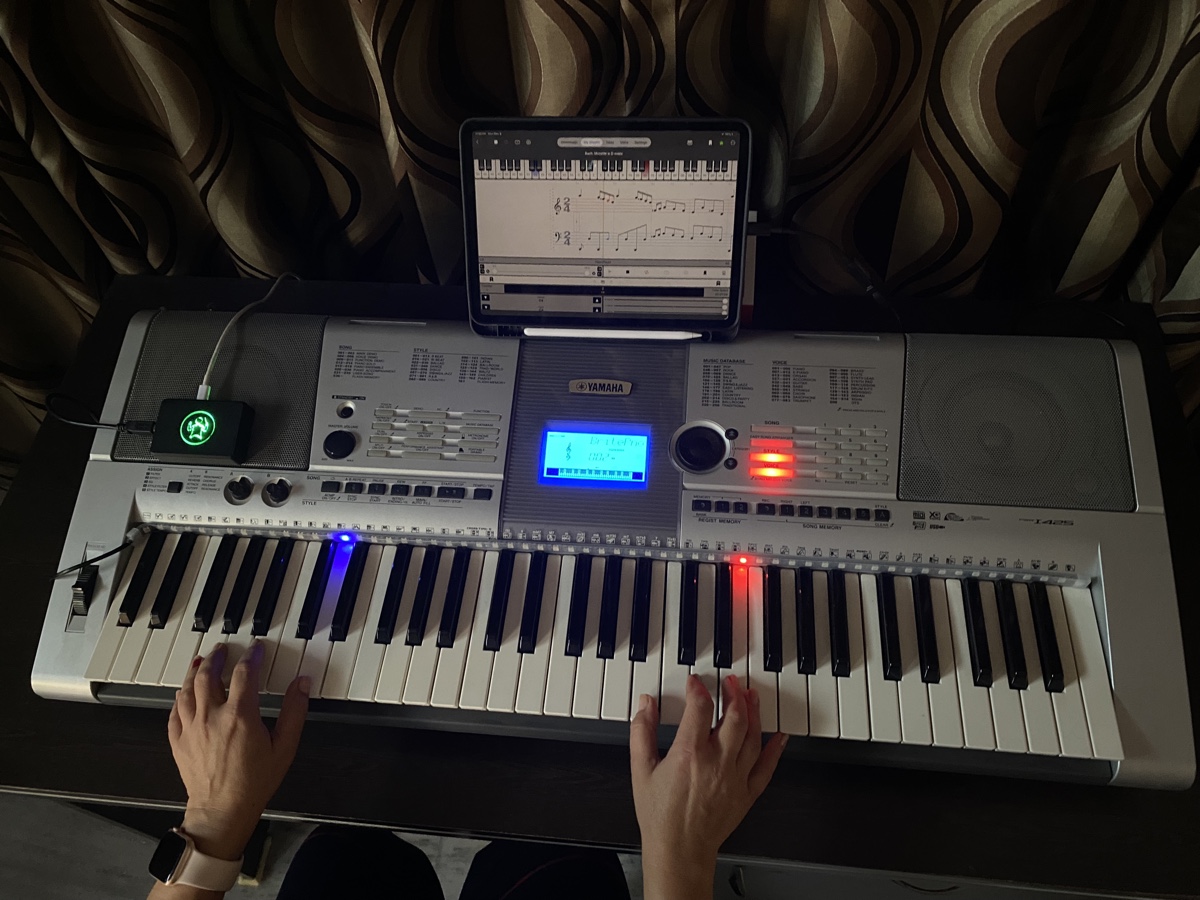
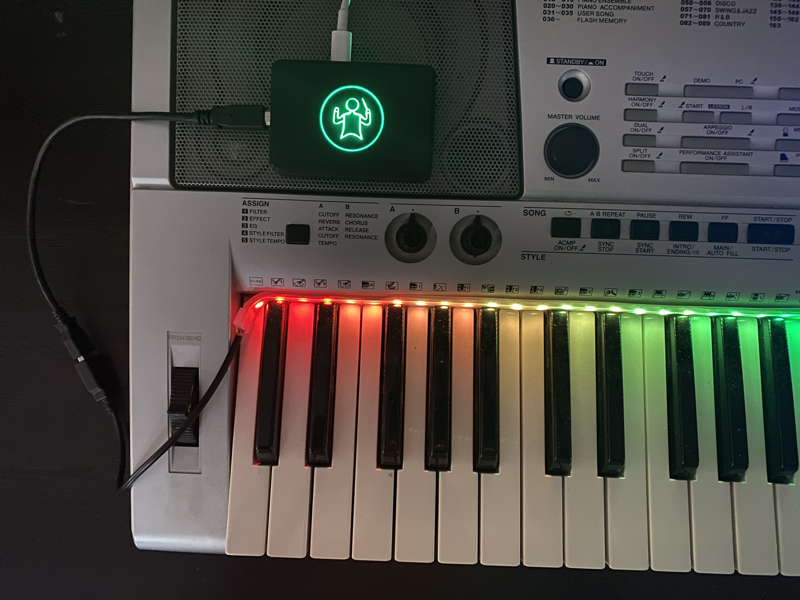
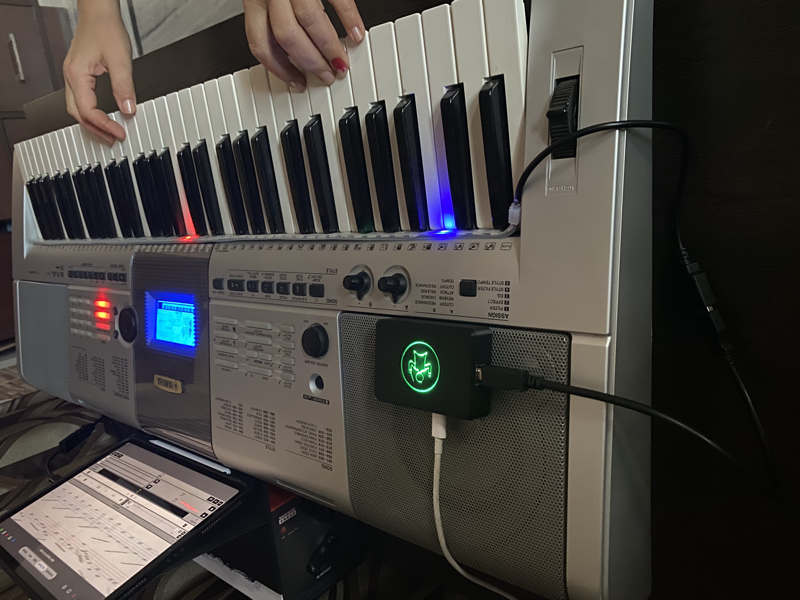
Follow these simple steps to set up your LED piano device and start your musical journey with eMusicTeacher.
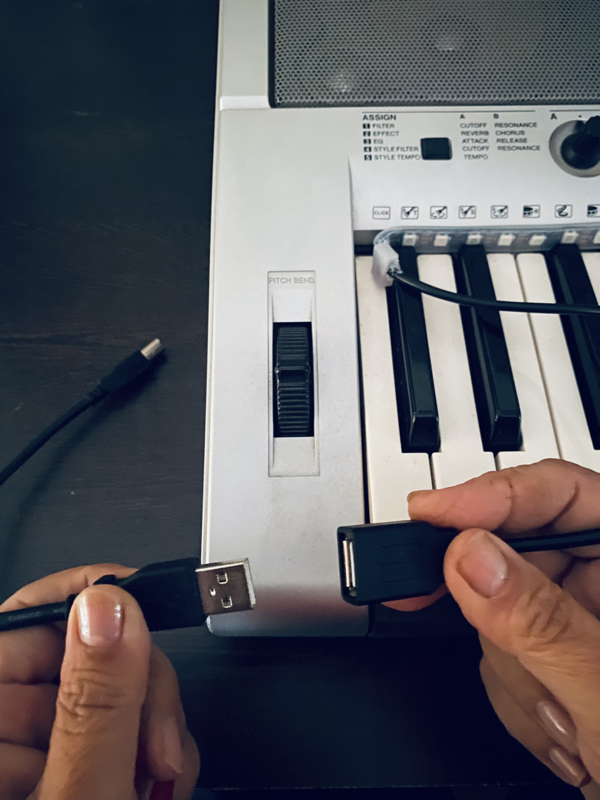
Connect the LED strip controller to your computer using the provided USB cable. Make sure the connection is secure for optimal performance.
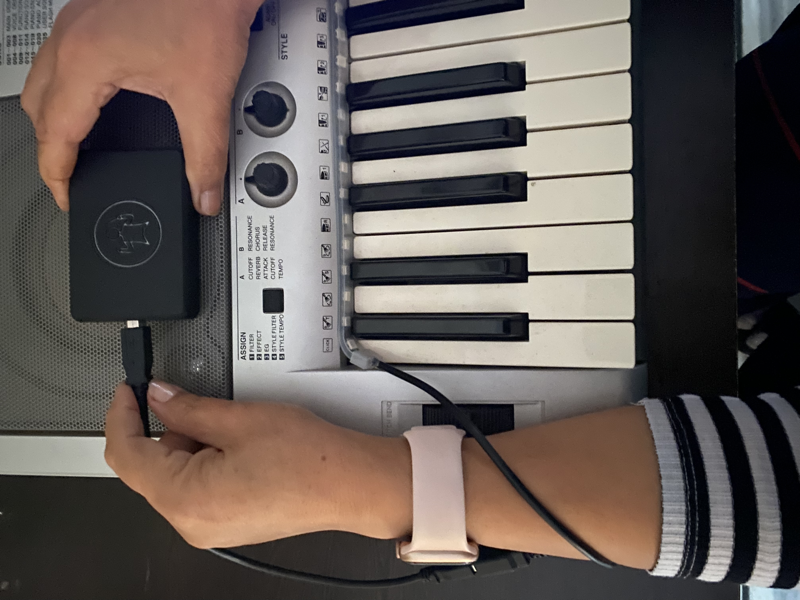
Configure your LED device settings through the app. The device will automatically be detected once connected properly.
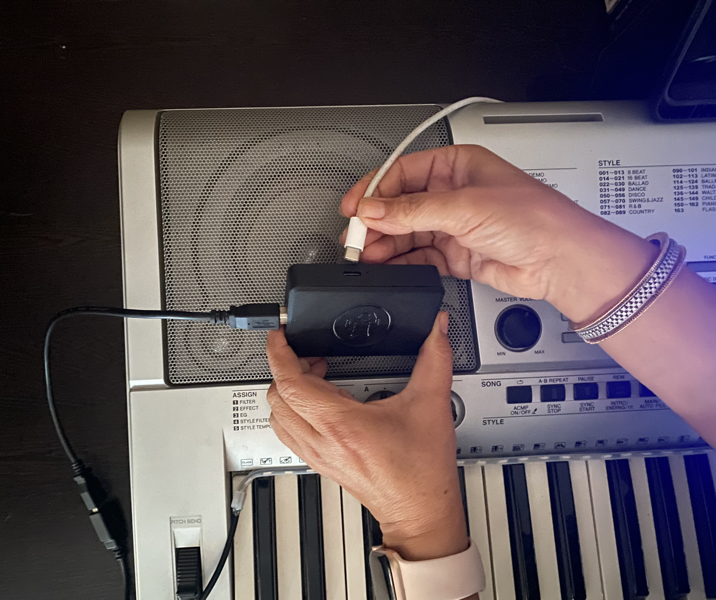
Turn on your LED piano device and ensure all connections are working. You should see indicator lights confirming the power status.
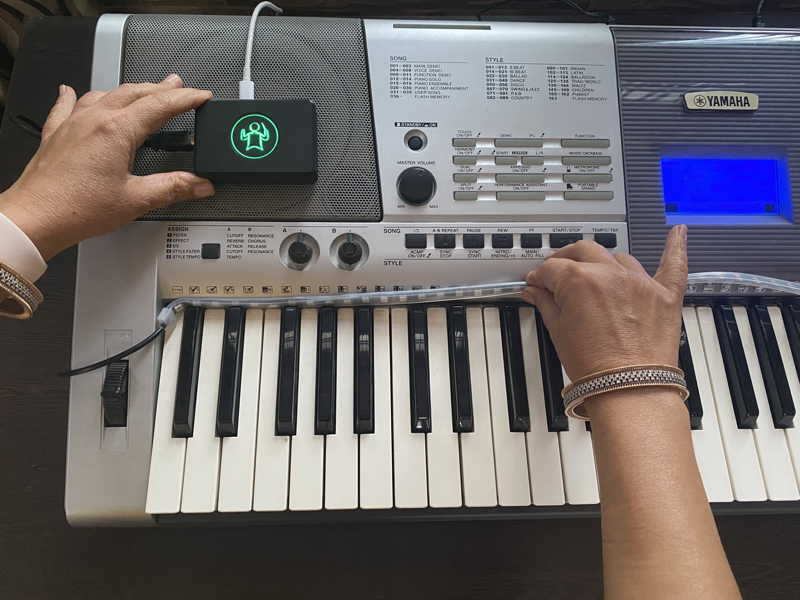
Carefully place the LED strip on your piano keys according to the provided guide. Proper positioning ensures accurate visual feedback.
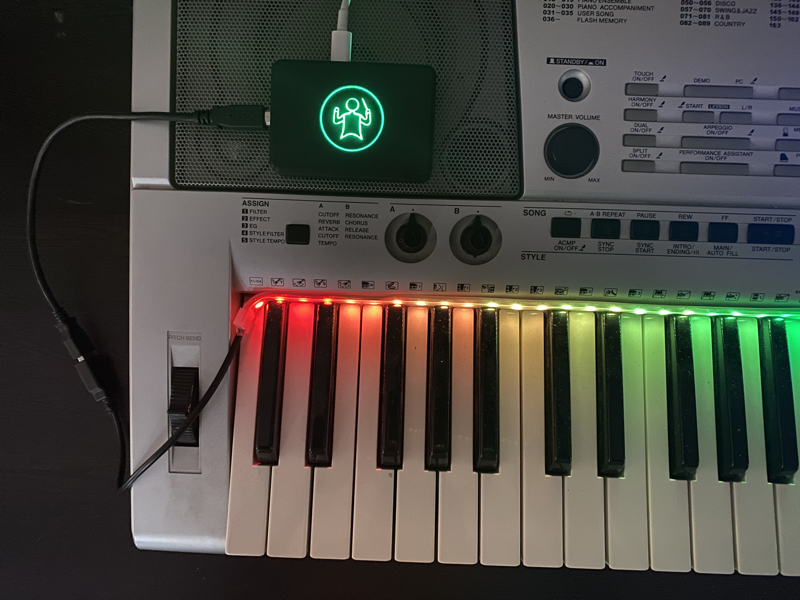
Your setup is now complete! The app will show a confirmation screen when everything is properly configured and ready to use.
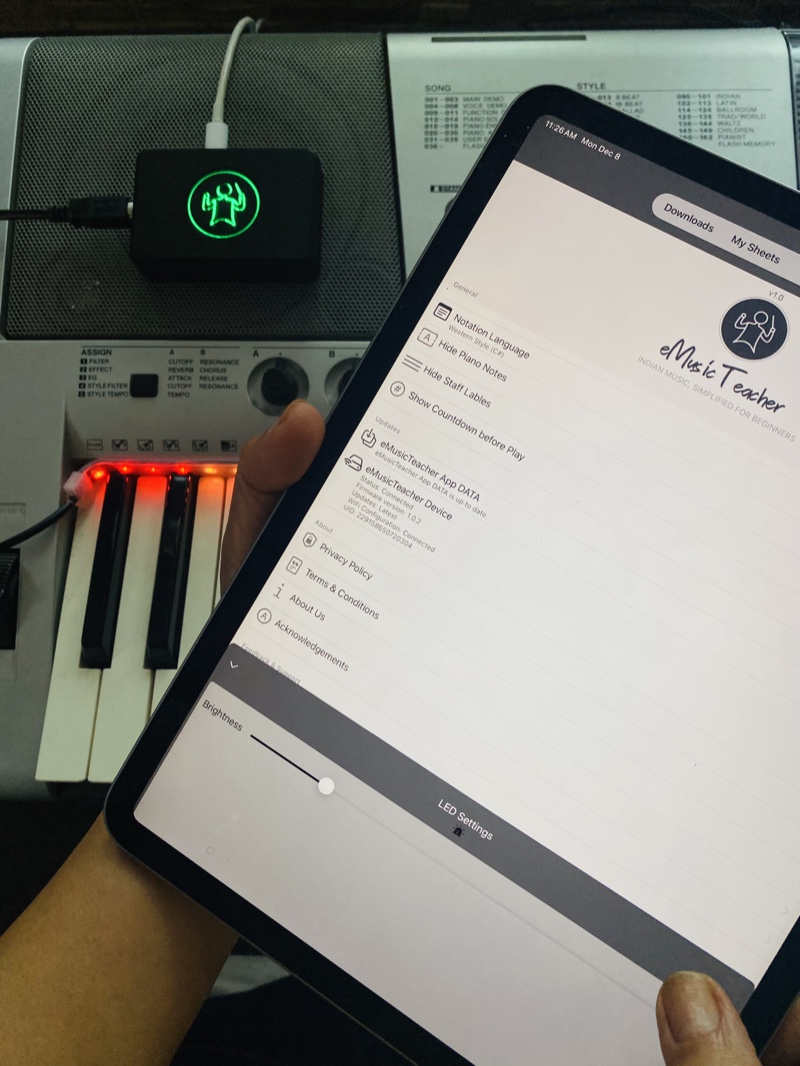
Download the eMusicTeacher app from the App Store to connect and control your LED piano setup. The app provides all the tools you need for learning.
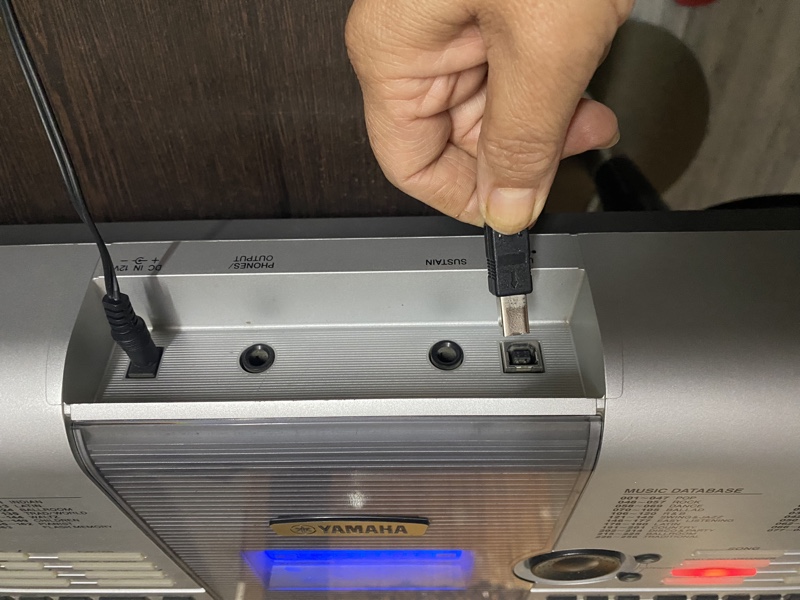
Connect your iOS device to your piano using the MIDI OUT connection. This enables direct communication between your device and piano for enhanced learning experience.
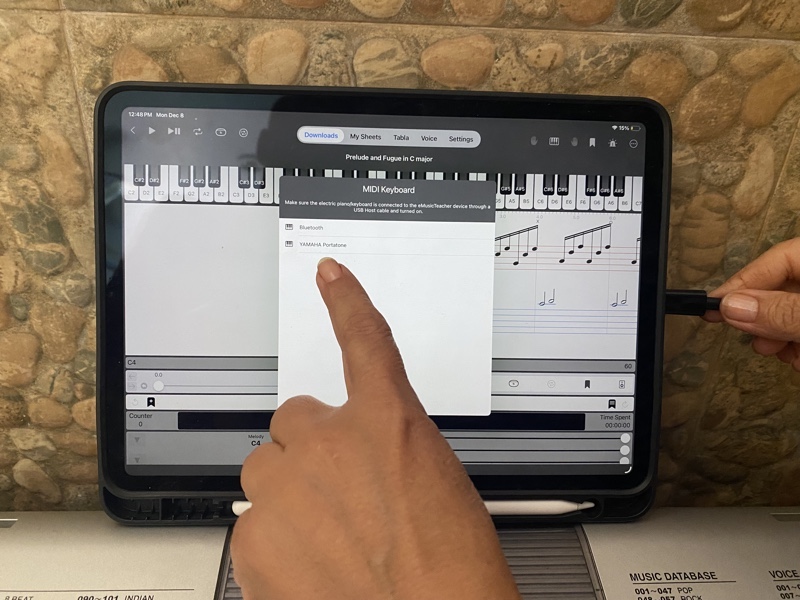
Your piano is now successfully detected and connected! The app will confirm the connection and you're ready to start learning with full integration.
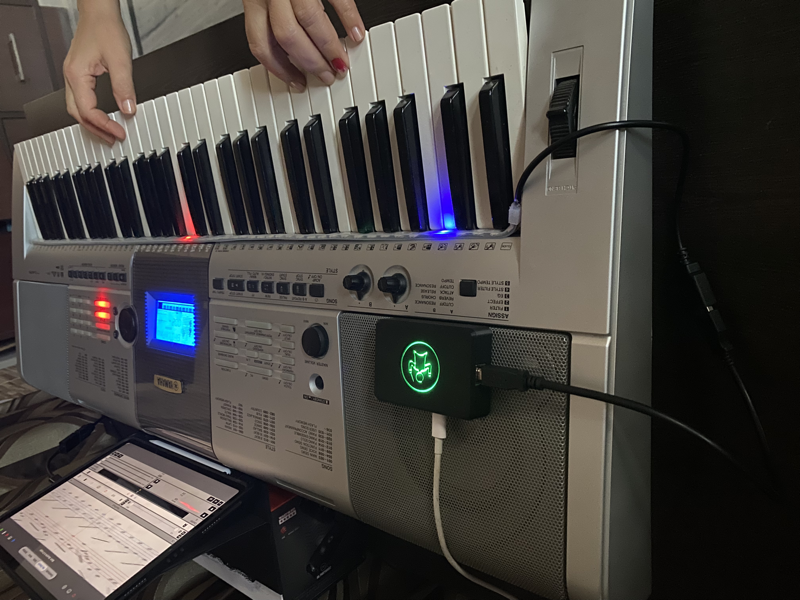
Begin your musical journey! The LED lights will guide you through lessons, showing you exactly which keys to press for each note. Your complete setup is now ready!
Discover the perfect blend of traditional Indian music education and cutting-edge technology
Interactive LED guidance system that illuminates each key as you play, making learning intuitive and engaging for students of all levels.
Access hundreds of lessons spanning Indian classical, Western classical, and contemporary music. From beginner basics to advanced techniques.
Master complex pieces by practicing each hand separately with dedicated modes, then combine for a complete performance.
Learn with traditional Indian rhythms using our built-in Tabla Taal feature, enhancing your sense of timing and cultural understanding.
Capture your musical creations with high-quality recording and multiple reverb effects to create studio-quality performances.
Get instant feedback on your performance with our intelligent system that waits for correct key presses and tracks your progress.
Start your musical journey in three simple steps
Browse our extensive library of Indian and Western music lessons, categorized by skill level and genre.
Watch as the LED strip lights up each key in sequence, guiding you through the lesson with visual cues.
Practice with Tabla rhythms and record your performances with professional reverb effects.
Explore our beautiful interface across iPhone and iPad platforms
Main app interface with elegant design
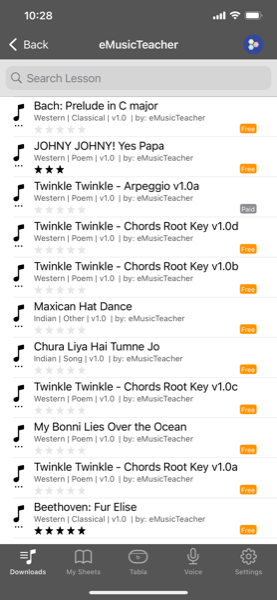
Access curated music sheets from professional teachers
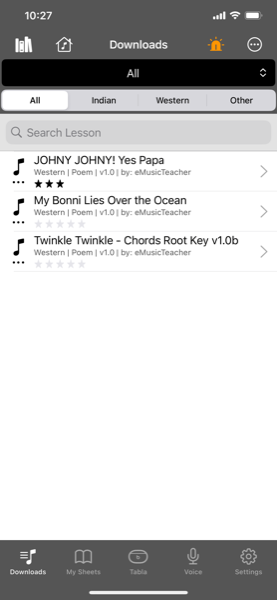
Download music sheets for offline practice
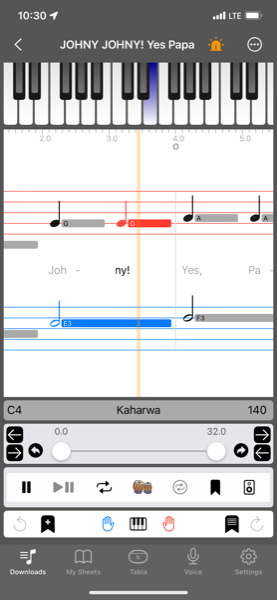
Interactive lessons with step-by-step guidance
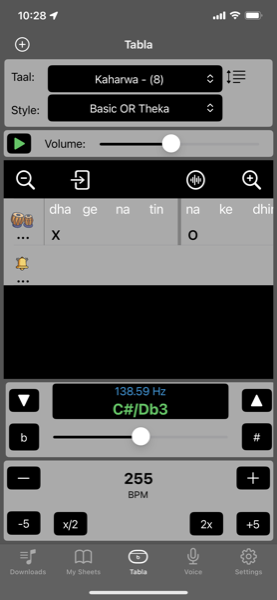
Authentic Indian tabla rhythms and beats
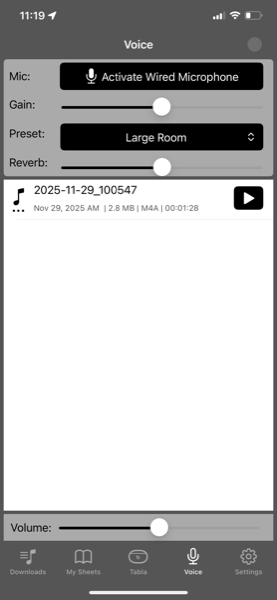
Record your voice with tabla accompaniment
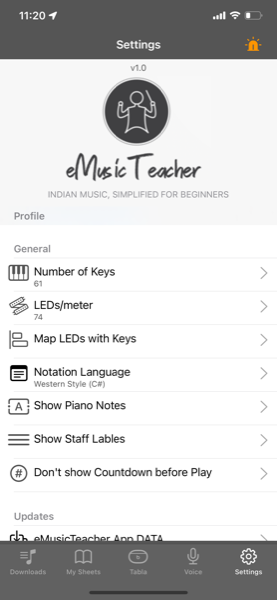
Configure LED device and app preferences
Enhanced experience with larger screen real estate
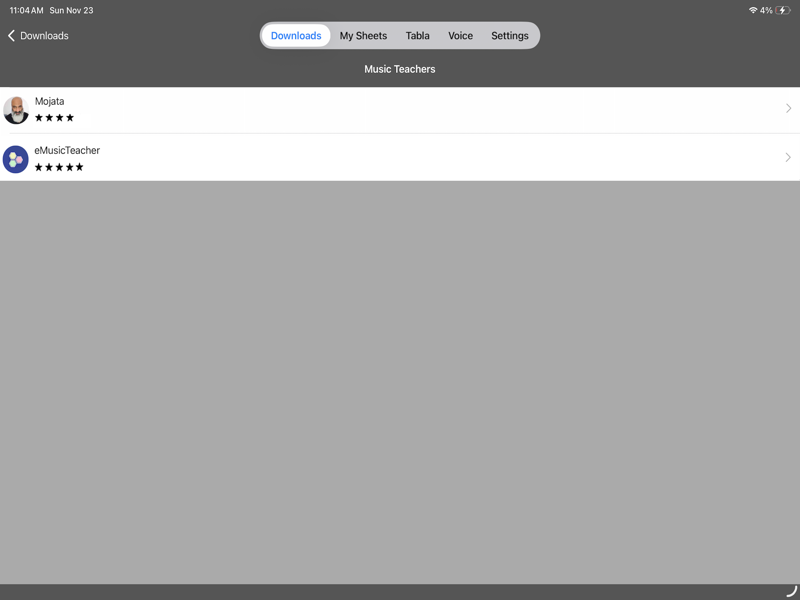
Browse and access teacher-curated music collections
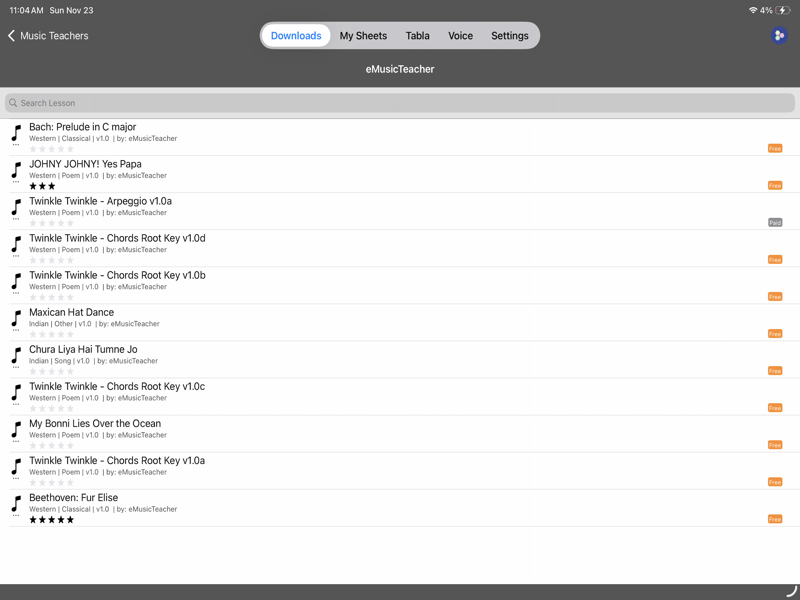
Manage and download music sheets with ease
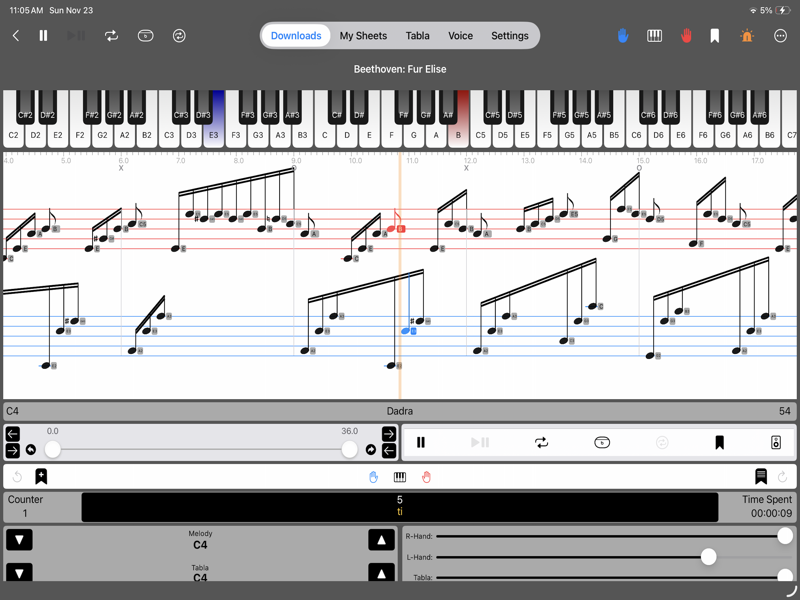
Comprehensive practice lessons with visual guidance
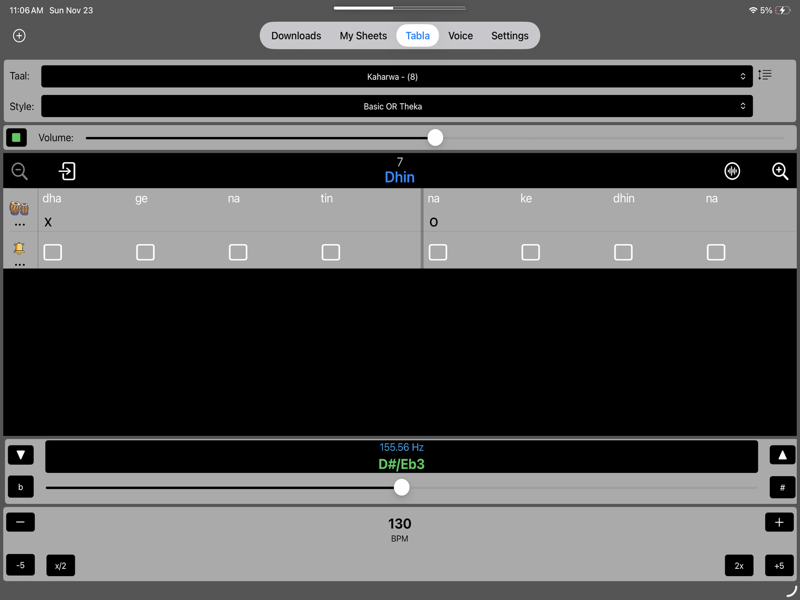
Master Indian classical rhythms with authentic tabla beats
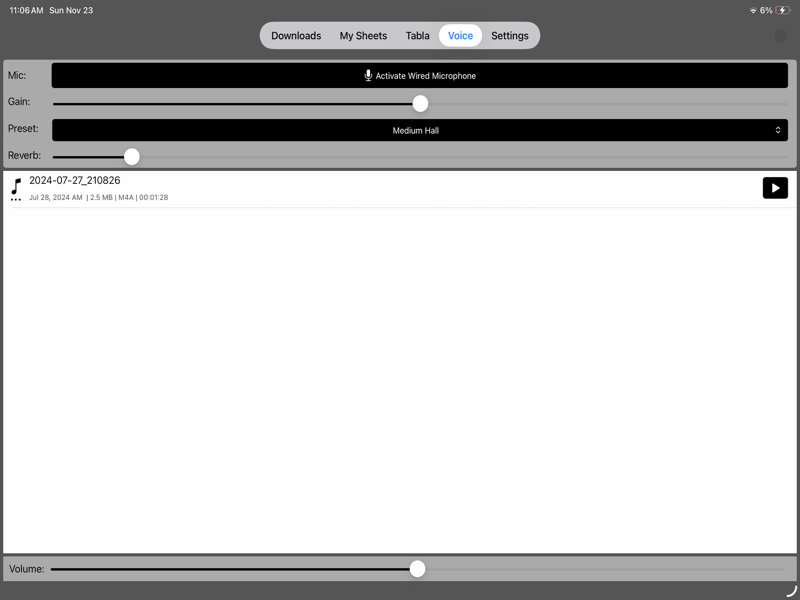
Record vocals with tabla accompaniment integration
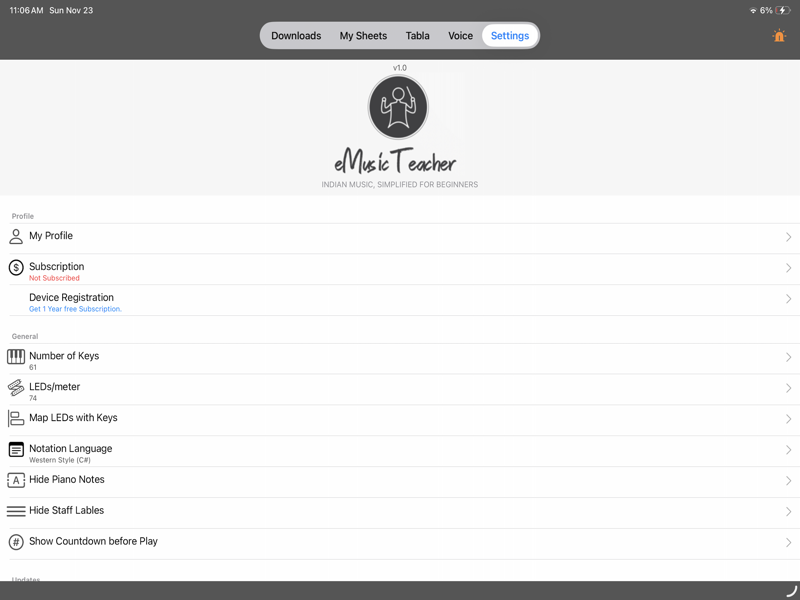
Fine-tune LED device settings and app preferences
Download eMusicTeacher now and experience the future of piano learning with LED guidance and authentic Indian music integration.